News
2024-06-16
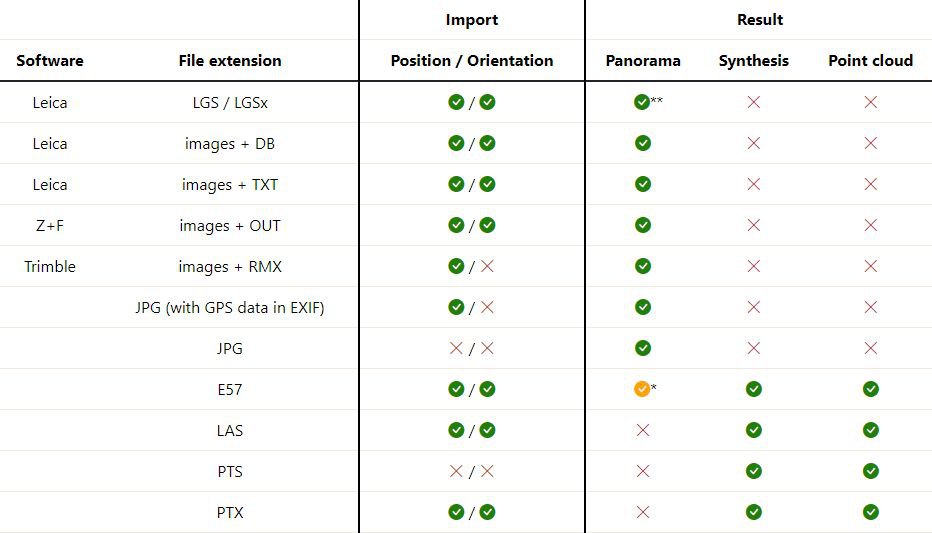
Information about supported file formats and the resulting output has been updated in the FAQ section
2024-06-14

Added ability to import PTX files
2024-05-31
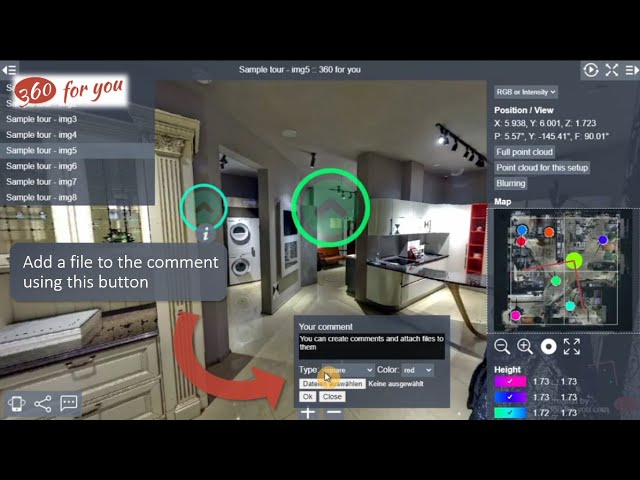
A new video about the work with comments in virtual tours is available on our channel.
2024-05-26
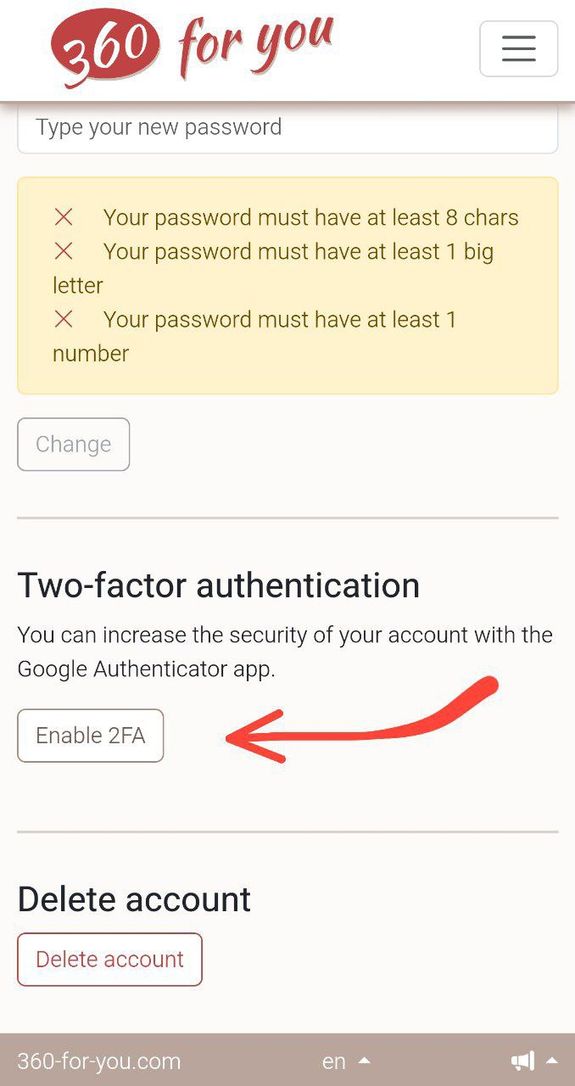
Two-factor authentication is now available for all users
2024-04-26
We have started a channel on YouTube. Subscribe to keep up with news about our service.
We will publish videos with a detailed description of the functionality of our service, which you can start using right now. We will also be sharing information about new features of the website.
Join us and stay up to date!
https://www.youtube.com/@360-for-you-com
2024-04-24
2024-04-03
2024-02-29
Do you have objects in the panorama that you want to hide? Now it's quick and easy!
2024-02-28
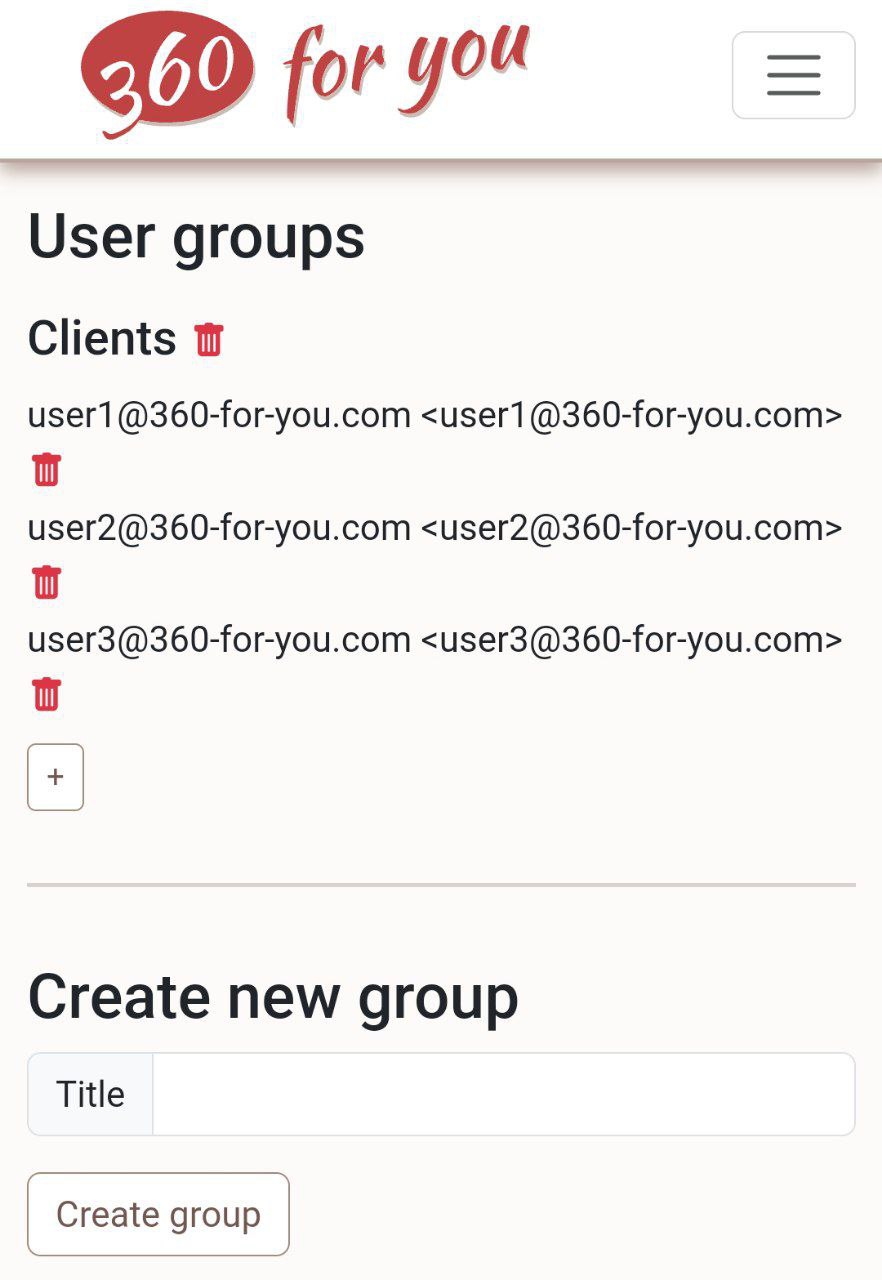
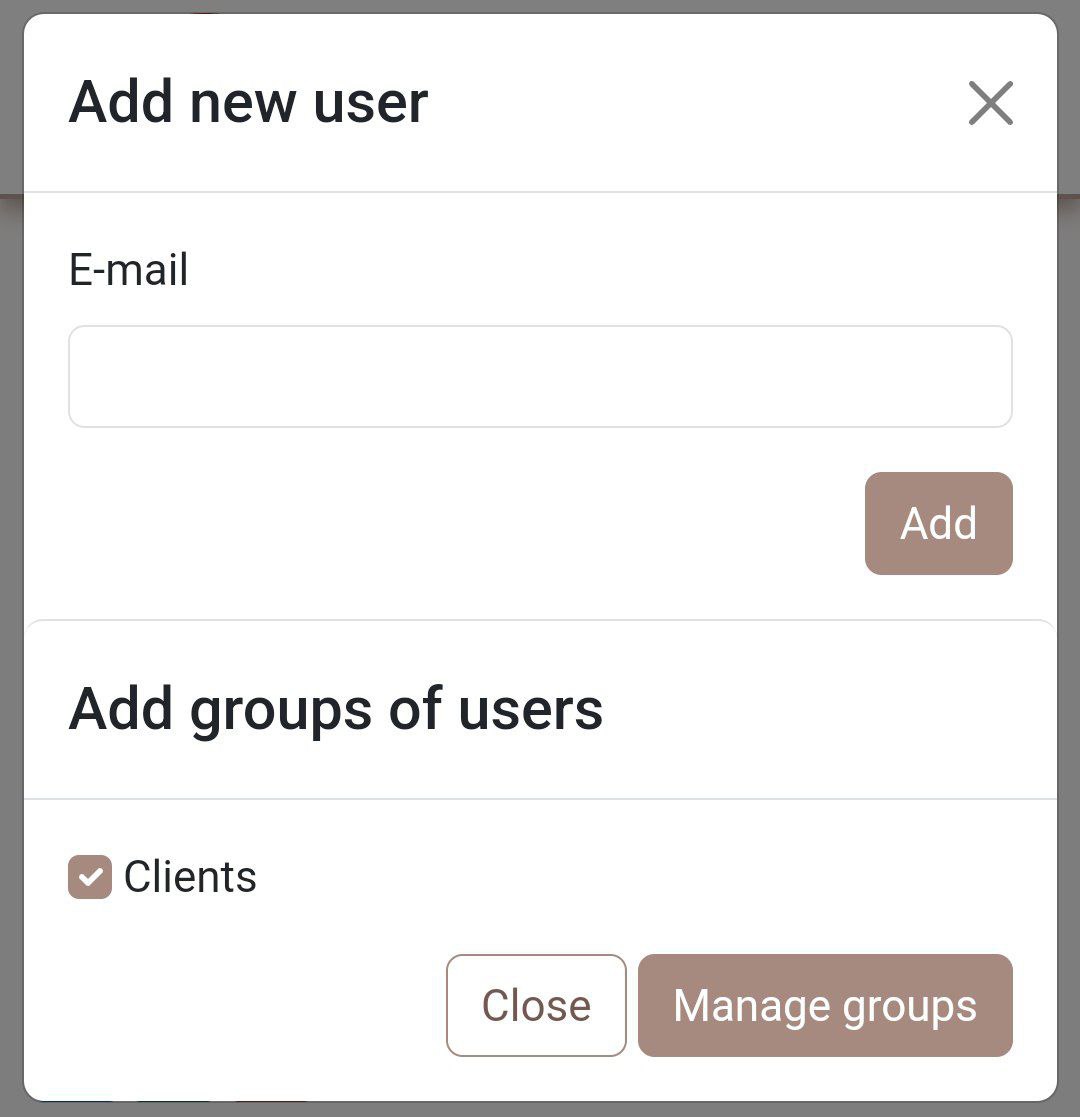
Introducing the ability to organize users into groups
2024-02-24
Now you can activate the map editing mode and easily move setups around the map
2024-02-14
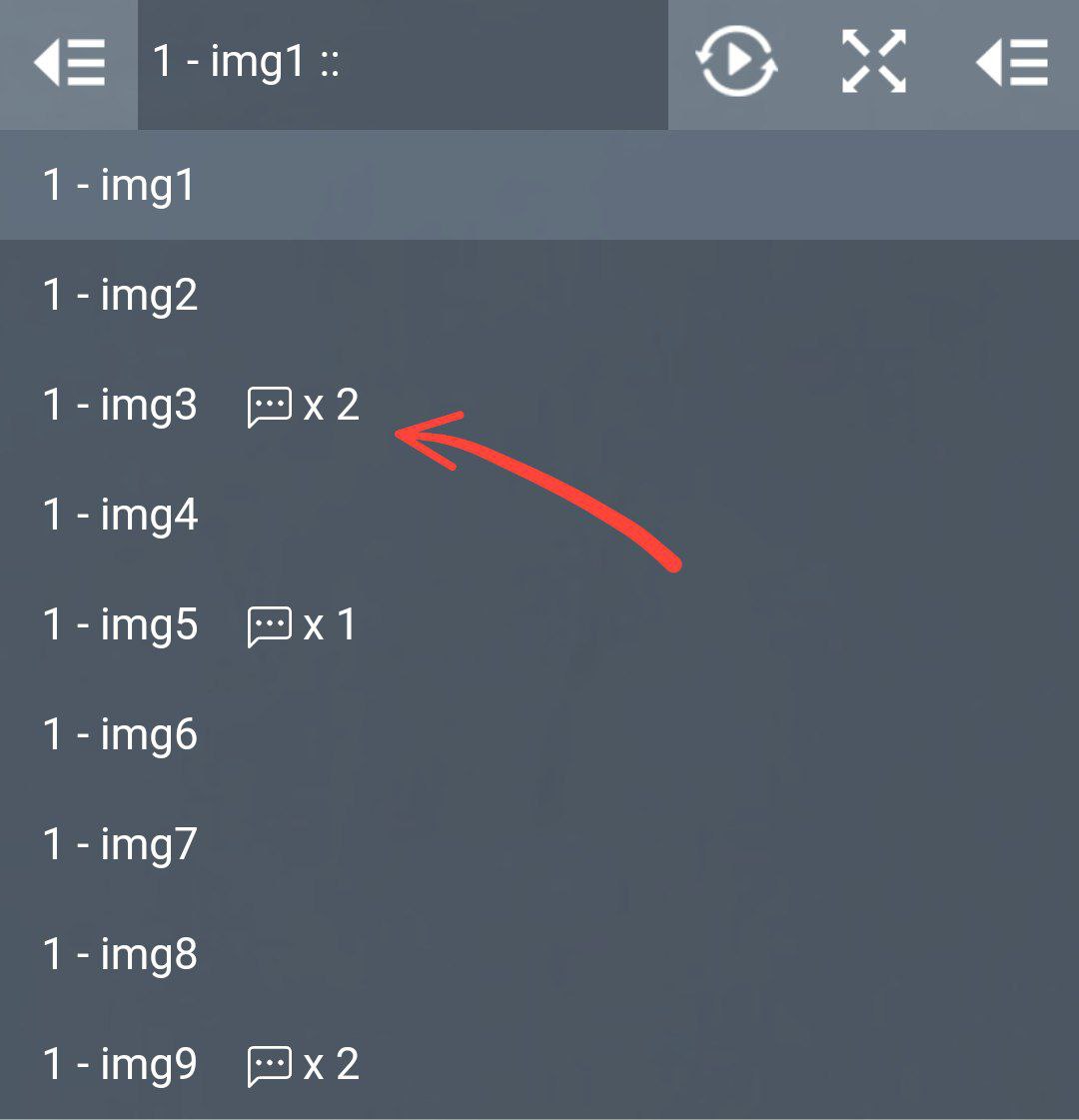
Now it will be much easier to find comments in the project
2024-02-08
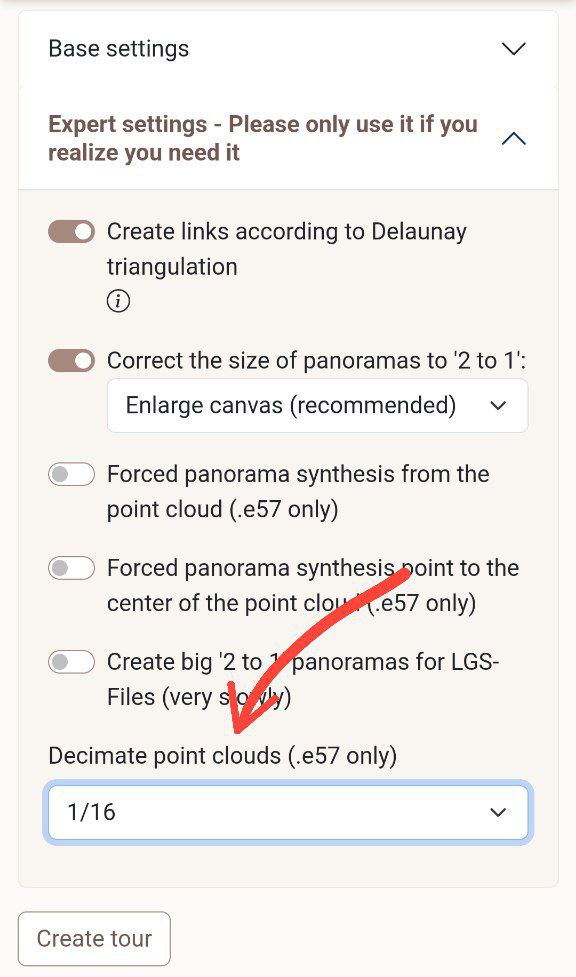
Now you can decimate your point clouds to save space and speed up browsing even more
2024-02-06

There are a lot of small changes on the website, not worthy of special attention, but one change is very important: new clouds uploaded to the website are now converted to LAZ format, which reduces the disk space occupied by 5-10 times, and the speed of rendering clouds has increased by 10-20 times. Try it and see for yourself!
2024-01-19
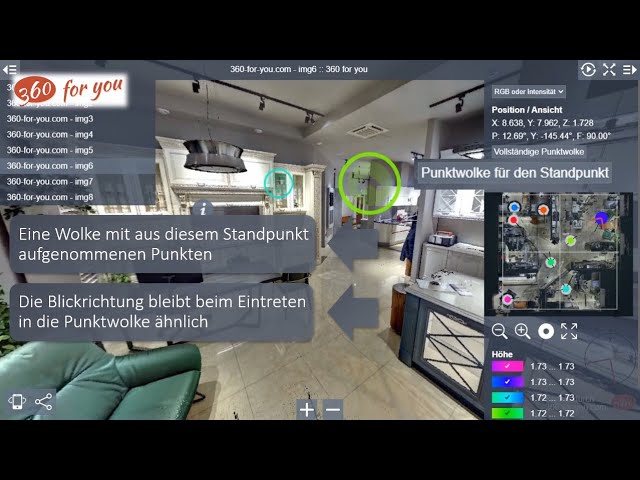
2024-01-18
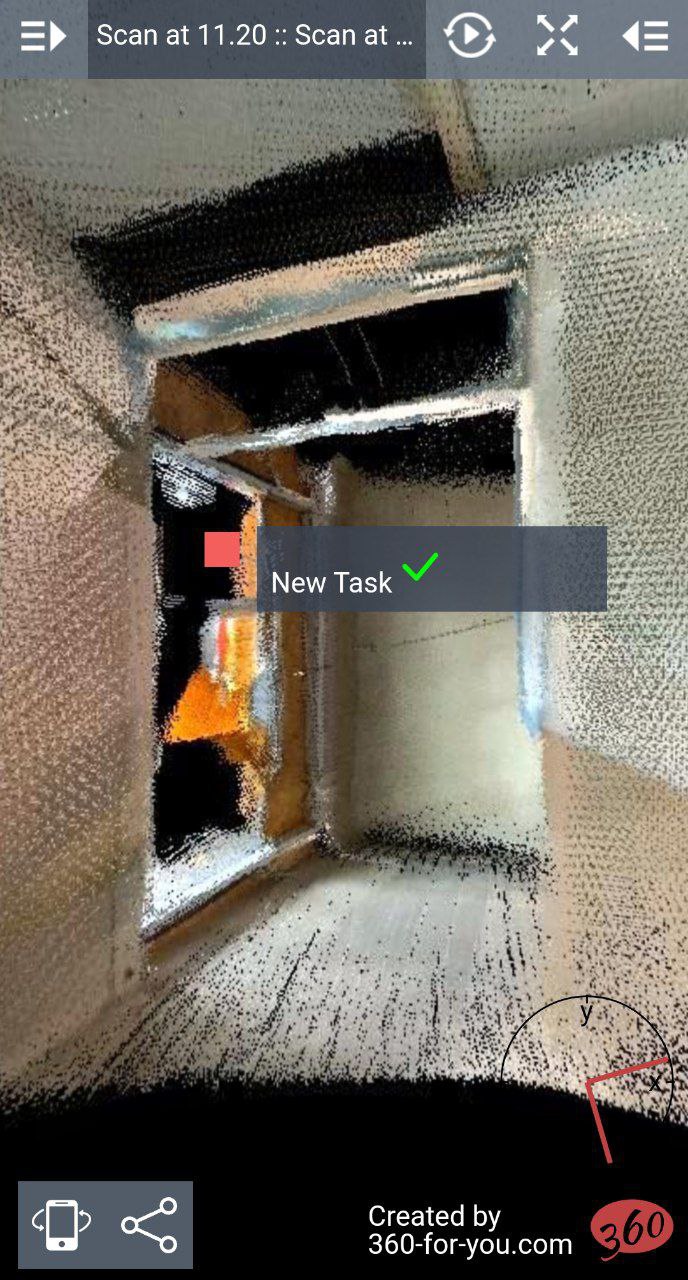
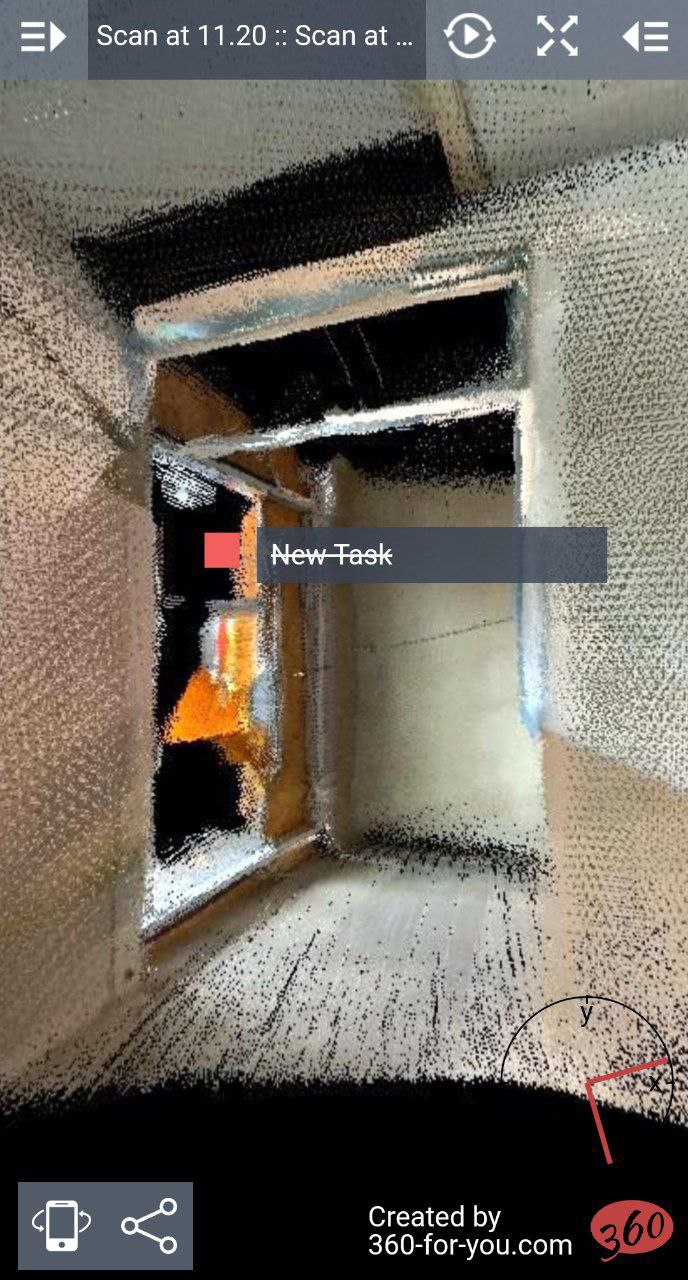
There is a new comment type "Task" with the ability to mark completion
2024-01-13
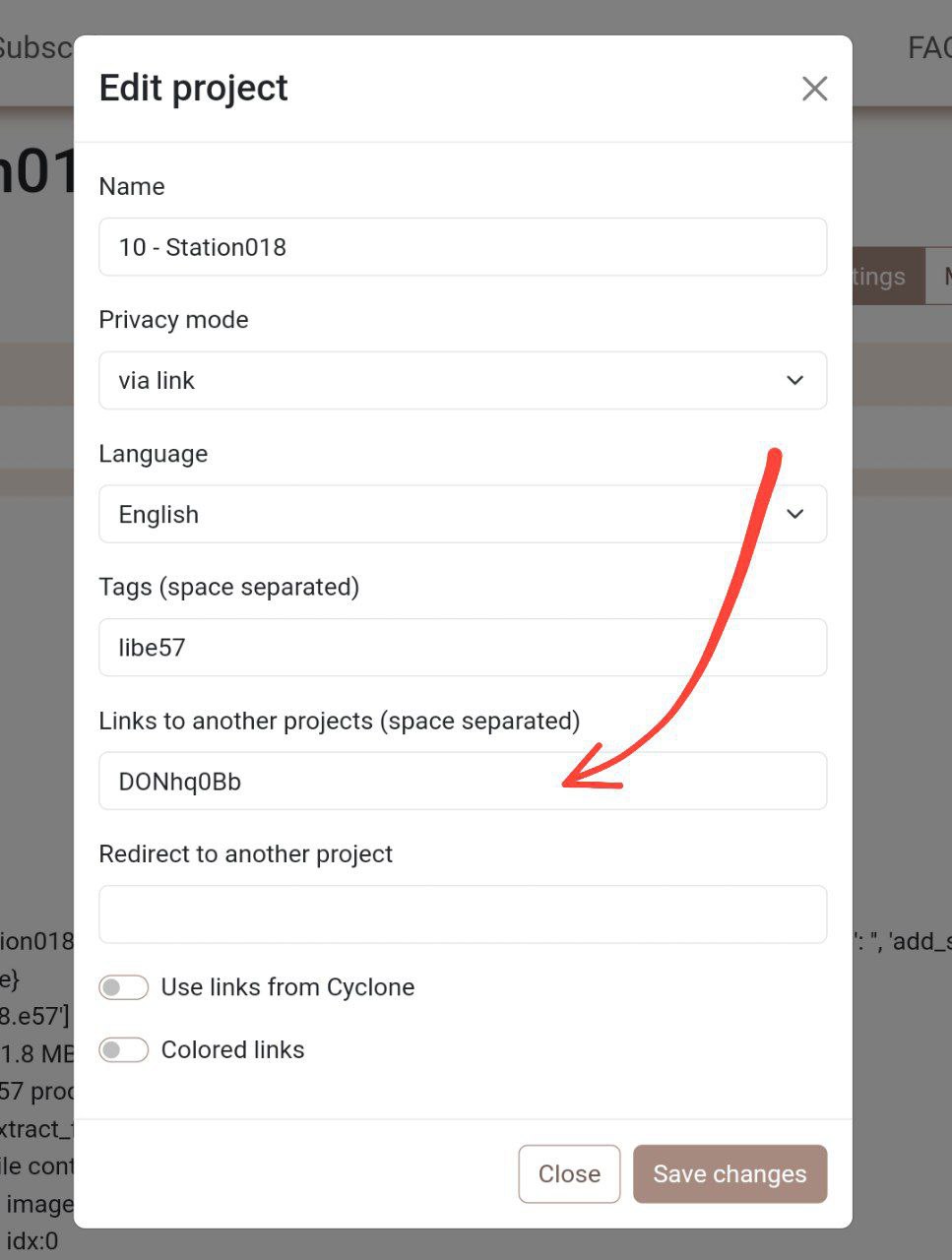
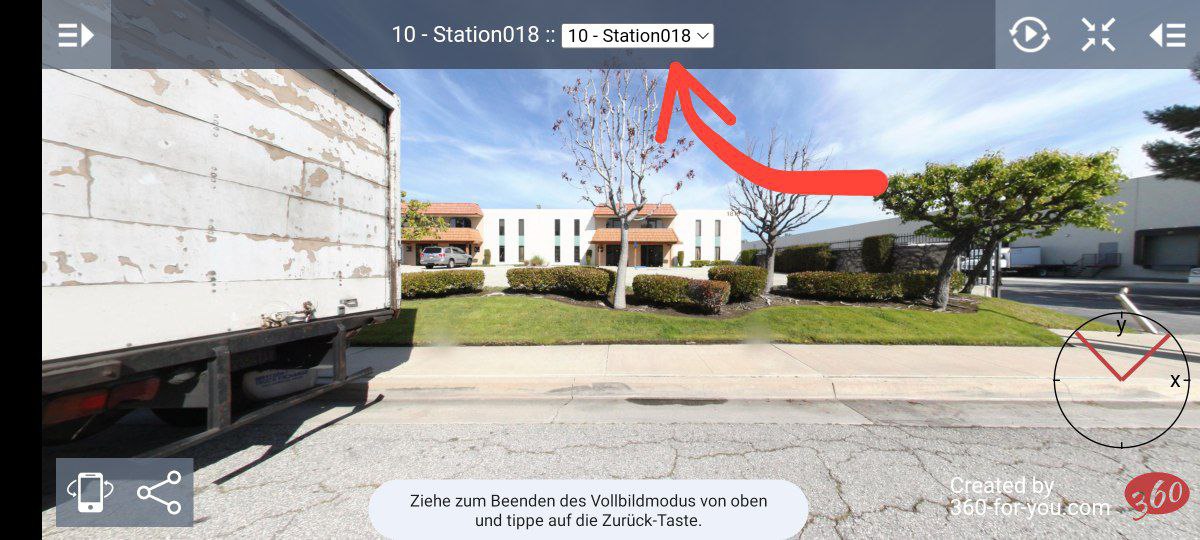
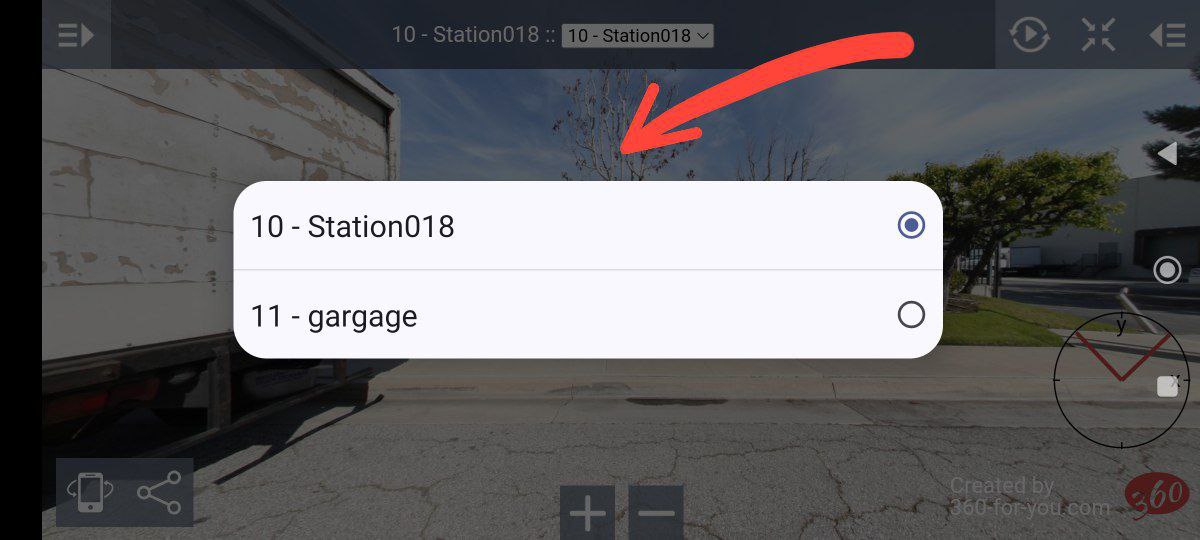
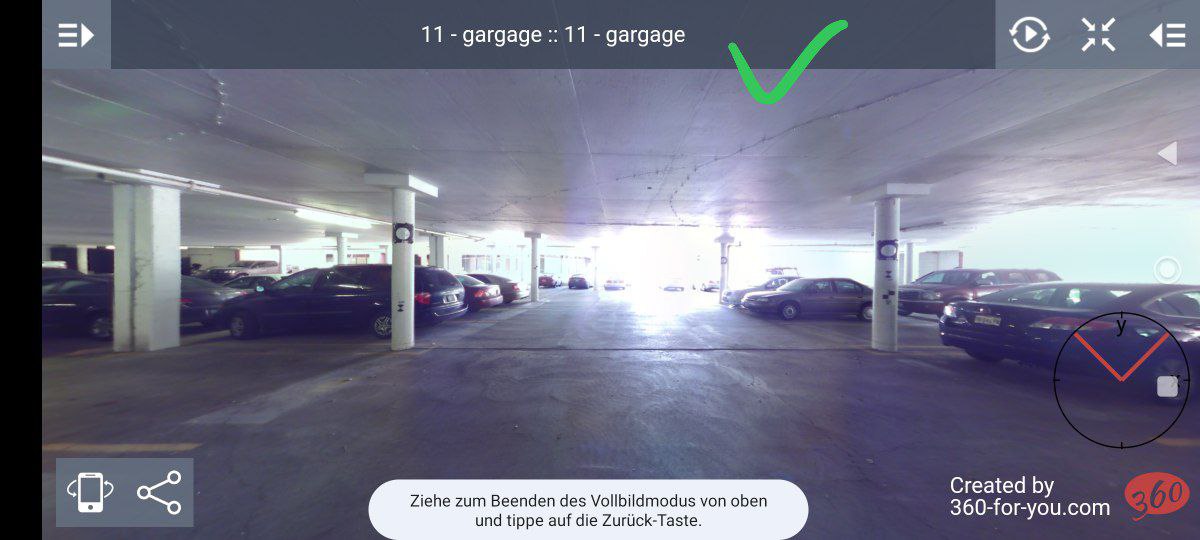
A slightly complicated idea has resulted in an interesting implementation - "linked projects". You can specify a link to other projects (one or more) in the settings of one of the projects. As a result, it will be possible to quickly switch to another project in the tour
2024-01-03

The LGS\LGSx file processing block has been rewritten almost completely. The new solution will allow to receive virtual tours much faster, better quality and smaller size.
This option for creating virtual tours is now preferred over uploading separate panorama files and database
2023-12-27
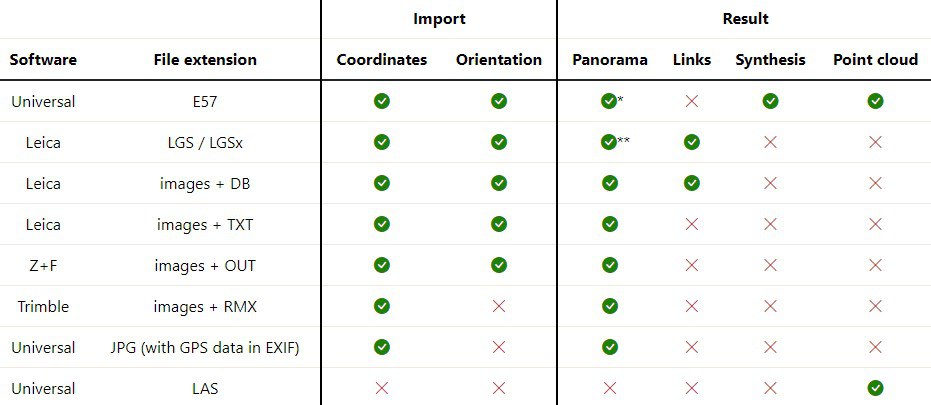
Added support for Leica's new LGSx format
2023-12-26
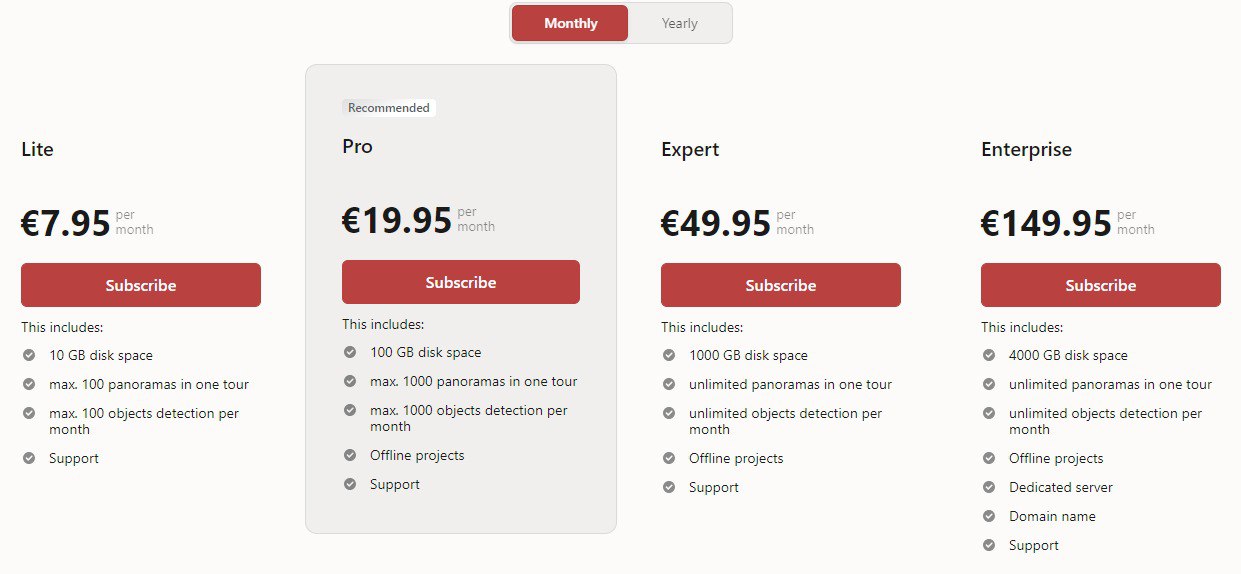
The new tariff plan "Expert" is now available
2023-12-19
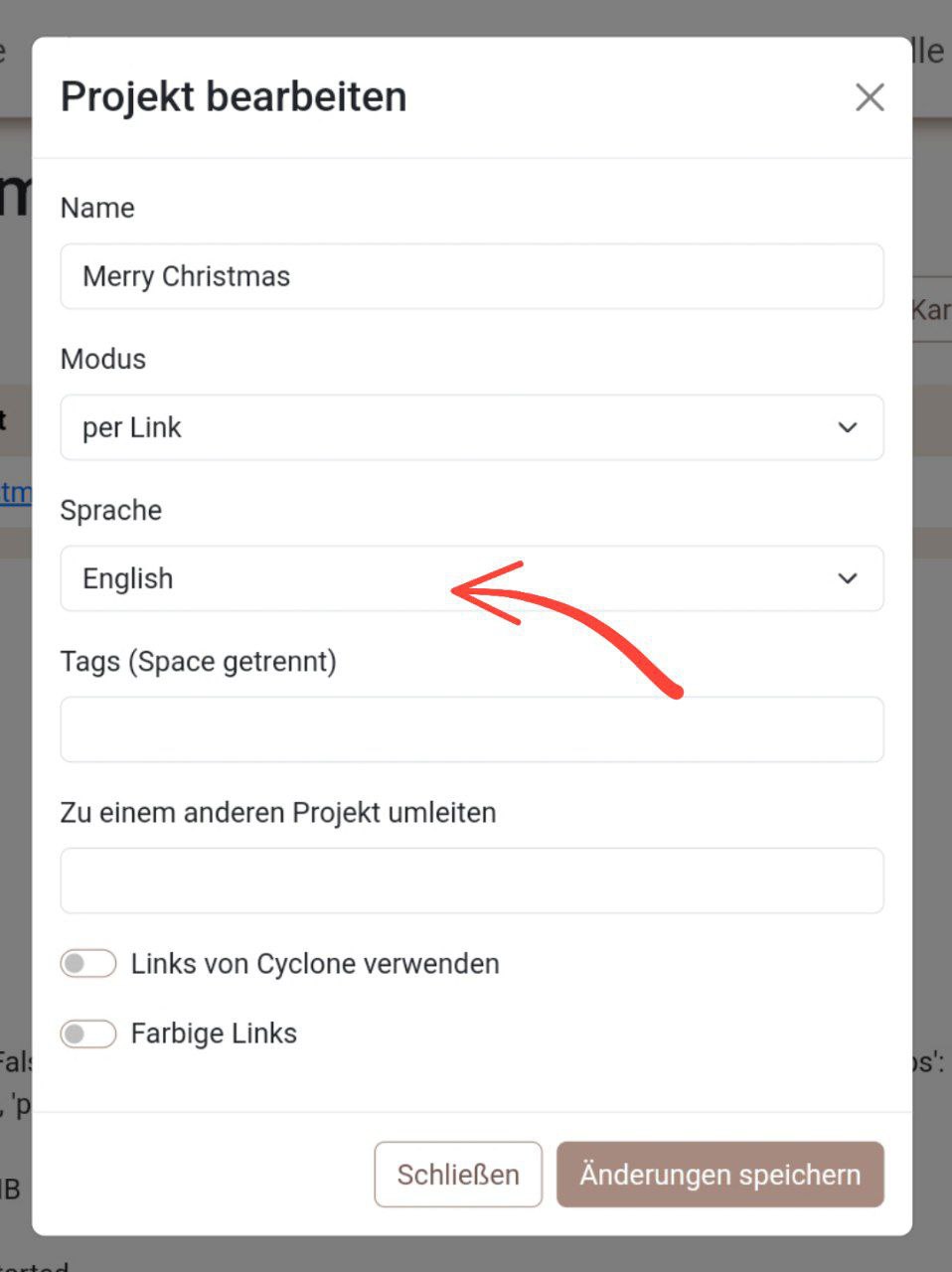
For each project, you can assign a language different from the one selected in the site interface